
Upload PDF and Post Letter Without Printing
Published 4 April 2026
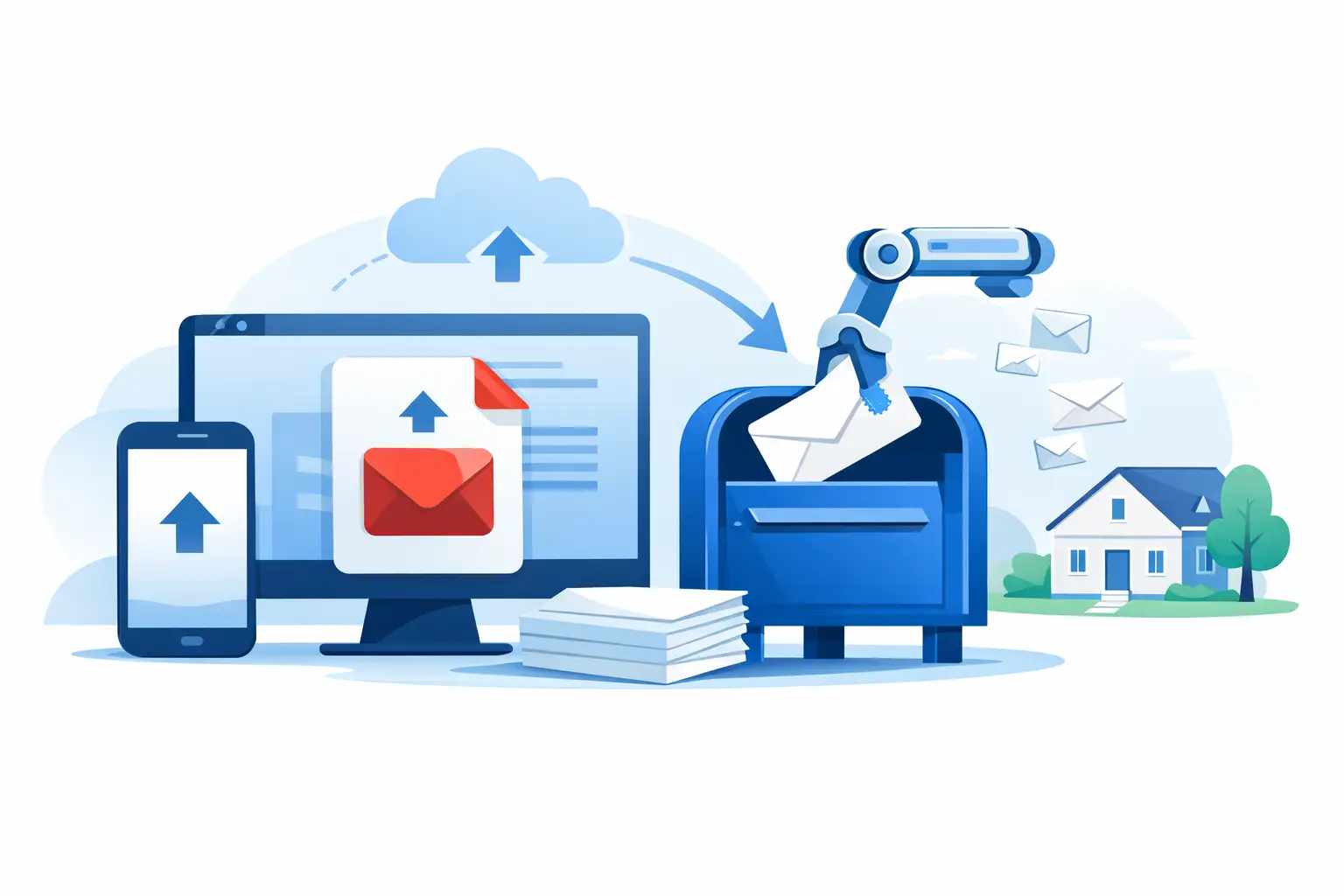
You have the document ready. That is usually the hard part. The annoying part comes next - finding a printer, checking the margins, folding the pages properly, locating an envelope, buying a stamp, and getting to the Post Office before it shuts. If you want to upload PDF and post letter online, the goal is simple: take a finished document and turn it into physical post without adding another job to your day.
For many people, that is not just about convenience. It is about sending something that carries more weight than an email. A printed letter still matters when you are chasing a refund, disputing a debt, contacting a landlord, writing to a prison, or sending official paperwork that should look formal when it lands on someone’s desk. The challenge is making that process quick enough that you actually do it.
Why upload PDF and post letter services make sense
A physical letter creates a different kind of pressure. It is harder to ignore than a message in an inbox, and in some situations it is the right format full stop. Many organisations still expect formal notices, signed correspondence, supporting documents, or complaint letters by post. Even where email is accepted, a posted letter can feel more deliberate and better documented.
That is where online posting services help. Instead of treating printing and postage as your responsibility, they let you upload a completed PDF, choose delivery, enter the address, and have the letter printed and dispatched for you. If your document is already written, there is no need to retype it into a template or edit it into a new format.
The obvious benefit is speed, but there is another one: consistency. A PDF preserves your layout, wording, spacing and supporting pages. That matters if you have carefully prepared a complaint, attached evidence, or drafted a formal notice you do not want altered by copy-and-paste formatting problems.
When uploading a PDF is the best option
Sometimes a guided template is the fastest route. If you need to challenge a retailer, dispute an incorrect bill, make a Section 75 claim, or send a letter before action, a structured form can save time and help you include the right legal references.
But there are plenty of situations where uploading your own PDF is the better choice. You may already have a solicitor-drafted document, a signed letter saved from your laptop, a scanned notice, company correspondence on headed paper, or a custom letter that does not fit a standard template. In those cases, uploading the finished file avoids unnecessary rewriting.
It is also useful when the wording is sensitive. Personal letters, HR correspondence, official forms, tenancy matters, school issues, and business documents often need to stay exactly as written. A PDF upload gives you that control.
What to check before you upload a PDF and post letter
The process is straightforward, but a few checks will save hassle. First, make sure the PDF is complete and readable. That means every page is included, text is not cut off, and any signature or attachment is clear enough to print. If you are working from a phone scan, it is worth checking that shadows, blur or skewed pages have not made the document look unprofessional.
Next, think about paper size and layout. Most letters are prepared in A4 portrait, which is fine for standard posting. If your PDF has unusual formatting, narrow margins, landscape pages or coloured backgrounds, it may still print, but the result depends on how the service handles those files. Clean, simple formatting tends to produce the best result.
You should also review the address carefully. A strong letter is wasted if the postcode is wrong or the department name is missing. This matters even more with large organisations, government departments, prisons and legal recipients where internal routing can slow things down.
Finally, decide how quickly and how securely the letter needs to arrive. Not every document needs the same service level. A personal letter may be fine with standard post. A time-sensitive complaint, signed notice or legal correspondence may justify Signed For or Special Delivery.
How the process usually works
Most online services follow the same basic flow. You upload the PDF, enter the sender and recipient details, choose a postage option, check the preview if one is available, and pay. After that, the provider prints, stuffs and posts the letter on your behalf.
The best services remove friction rather than adding it. That means transparent pricing, clear delivery choices and no requirement to understand print settings or postal rules. If the platform also offers templates and a free-text editor, that is useful because not every letter starts as a PDF. Some users already have a finished document. Others need help creating one from scratch.
At PostRight, for example, you can upload your own PDF document or create a letter using guided templates and a custom editor, then have it printed and posted through Royal Mail without needing your own printer or stationery. That flexibility matters because life admin is messy. Some letters need legal framing. Some just need sending.
Upload PDF and post letter for formal disputes
This is where physical post often carries the most value. If you are complaining about a faulty product, pushing back on a debt collector, disputing a refund refusal, chasing flight delay compensation or escalating a formal complaint, presentation matters. A posted letter shows intent. It suggests you are taking the issue seriously and expect a proper response.
If you already have the document drafted, uploading a PDF can be the fastest route from decision to action. You keep your wording, your references and your attachments in one file. You also avoid introducing mistakes by re-entering names, dates or legal details into a web form.
That said, there is a trade-off. If you are not confident that your letter says the right things, starting from a rights-based template may be safer than uploading a weak draft. It depends on whether your main problem is delivery or drafting. If the content is done, upload it. If the content is the problem, use guidance first.
Security, tracking and peace of mind
People do not send formal letters because they enjoy the ritual. They send them because the outcome matters. That makes trust a practical issue, not a branding one.
If you are using an online service to post sensitive documents, you want to know how files are handled, how payment is secured, and whether you can choose tracked or signed delivery when the situation calls for it. A letter to a retailer is one thing. A DSAR, legal notice, complaint escalation or personal document deserves a higher level of confidence.
Tracking is especially useful where deadlines matter or the recipient has a habit of claiming they never received anything. It is not necessary every time, but it can be worth paying for when proof of posting or delivery could support your position later.
Who benefits most from this kind of service
The obvious audience is anyone without a printer, but that undersells it. The real value is for people who are short on time, dealing with something stressful, or trying to make sure an issue is handled properly the first time.
That includes consumers asserting their rights, tenants dealing with property issues, families sending personal letters, professionals posting signed documents, and anyone who wants the authority of physical correspondence without the admin attached to it. If the thought of buying envelopes feels like one task too many, that is usually the point where online letter posting earns its keep.
Price matters too. For most people, the comparison is not just against a stamp. It is the full cost in time, printing, stationery and effort. Once you factor all of that in, paying a small amount to have the whole process handled can be a sensible trade.
Choosing between a PDF upload, template or custom letter
The best option depends on what you already have. If your document is finished and formatted, uploading a PDF is usually the quickest path. If you know what you need to say but want legal structure or better wording, a template is often stronger. If your situation is unusual, a custom editor gives you a blank page without forcing your letter into the wrong category.
That flexibility is what makes a good hybrid post service genuinely useful rather than just novel. Real life is not neatly organised. One day you are sending a complaint to an airline. The next you are posting a letter to a prison, an MP or your own future self. The format changes, but the need stays the same - get the letter out properly, without wasting time on the mechanics.
A letter you have already written should not stall because you cannot be bothered to print it. If uploading a PDF is what gets it sent today, that is often the smartest option.